

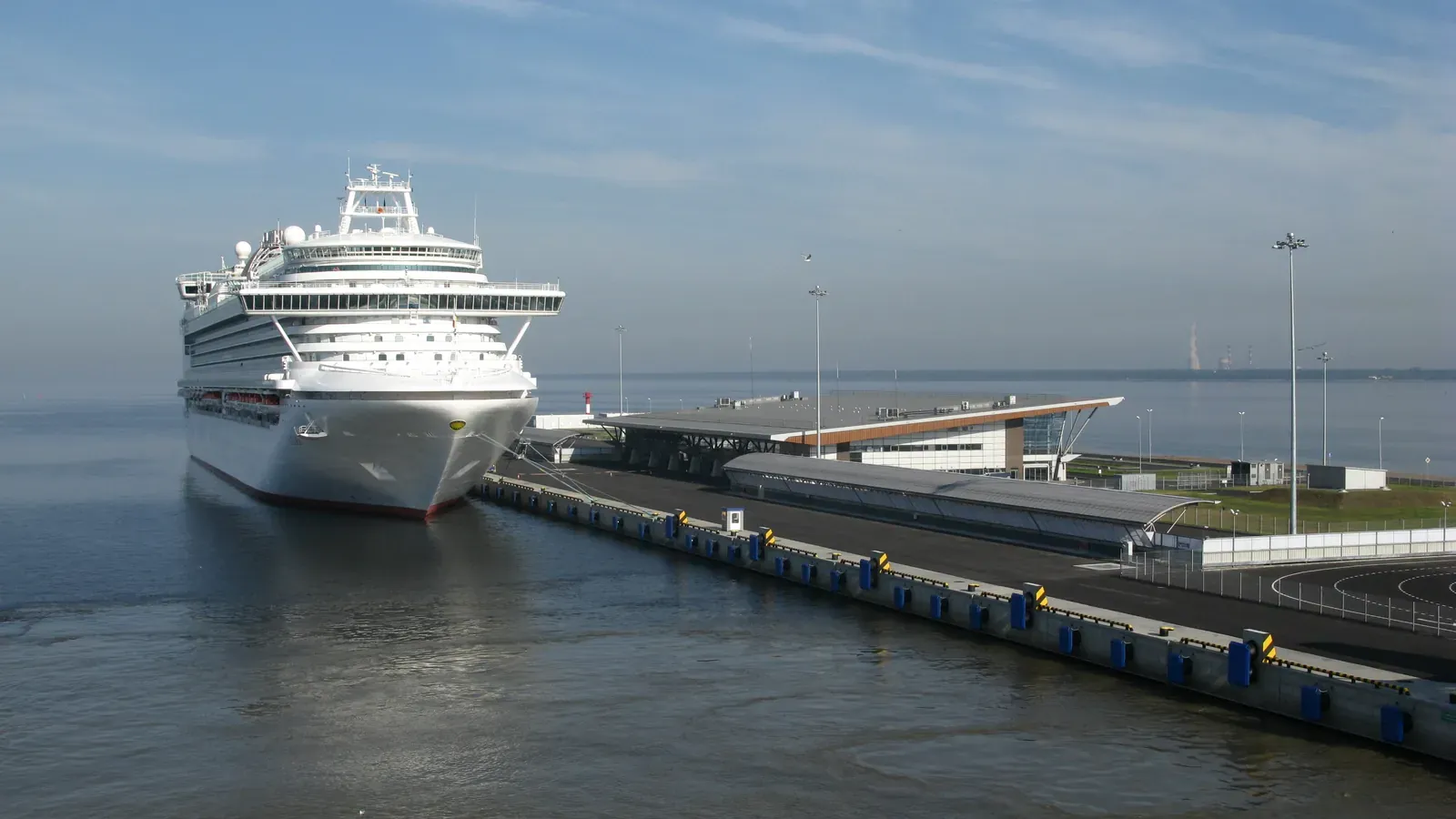
A normal travel eSIM for a country or region works in port and close to land, because it uses land-based mobile networks. Once the ship is out at sea it has nothing to connect to. To get mobile data at sea you need either the ship's Wi-Fi or a cruise-specific product that can use the ship's own maritime mobile network, and those only work on ships the provider supports. Check your exact ship before buying anything for sea days.
All Things eSIM earns a commission when you buy through some links on this site. We have not tested a cruise eSIM at sea; this guide is based on providers' and cruise lines' published information.
Port-only, maritime or Wi-Fi: the initial decision
Land travel eSIM | Cruise eSIM with maritime coverage | Ship Wi-Fi | |
|---|---|---|---|
In port and near the coast | Yes, if the country is covered | Yes, if the plan includes that country on land | Yes, on board |
At sea | No | Only on supported ships | Yes, on board |
Ashore away from the ship | Yes | Yes, if the land country is covered | No |
Depends on your ship | No | Yes | Yes (package and quality vary) |
Mobile roaming charges from your home network | No, if your home line's data roaming is off | No, if your home line's data roaming is off | No, if mobile data is off |
Three common situations:
- Mostly port days, and you are happy offline at sea. A land eSIM for the countries you visit, or your home plan's roaming allowance, can cover port days. Use the ship's Wi-Fi or nothing on sea days.
- Several sea days and you want to stay reachable. Compare a cruise eSIM that supports your ship with the ship's Wi-Fi package.
- Laptop work or video calls at sea. Compare the ship's Wi-Fi package with the cruise eSIM's daily allowance carefully. Neither is guaranteed to be fast.
Check the exact ship and sailing
Maritime coverage is ship by ship. GigSky, which sells Cruise and Cruise + Land plans, says coverage depends on the ship's onboard network, that not every ship in a cruise line's fleet is supported, and that you should confirm your specific ship before buying. It publishes a supported ship list and says new ships are added regularly.
Before buying a cruise product:
- Find your ship on the provider's current supported list. The cruise line alone is not enough.
- Check the land countries the plan covers match your ports.
- Check the plan covers your sailing dates.
- Check your phone supports eSIM and is unlocked.
The ship's own network is a separate service from the cruise line's Wi-Fi. P&O Cruises, for example, says passengers can roam onto Telenor Maritime from 2 nautical miles from shore, and that charges come from the passenger's own mobile operator. Ordinary mobile tariffs are not designed for this and can be costly; check your home network's maritime rates if you plan to use your home SIM.
Allowance, validity and intended use
Cruise eSIMs are built differently from land plans. GigSky's cruise Day Pass, for example, gives 500 MB of high-speed data per day, after which it limits you to what it calls Essentials apps such as messaging, text-only email and navigation. It also offers a messaging-only option for staying reachable at sea.
Ask of any cruise product:
- How much full-speed data per day or per trip, and what works after that?
- Does it cover port countries on land, or only the ship?
- When does validity start? GigSky notes that if a Cruise + Land plan covers your home country, it may start as soon as it connects, so keep the eSIM turned off until you travel.
- Is hotspot allowed? GigSky's cruise page advertises hotspot sharing at no extra charge.
Size it to what you will do at sea, not the whole trip. A fjords cruise with four port days and four sea days needs very different data at sea than on land.
At-sea settings depend on the product
The settings advice you will see online contradicts itself because it is written for different products.
- With a land eSIM or your home SIM only: keep data roaming off on your home line, or use aeroplane mode with Wi-Fi turned back on, so your phone does not connect to the ship's maritime network on your home tariff. Holafly, which sells land eSIMs, advises keeping aeroplane mode on at sea.
- With a cruise eSIM bought for sea coverage: the travel eSIM needs to be on, selected for mobile data and allowed to roam, or it cannot use the ship's network. Keep your home line's data roaming off. GigSky also advises turning off mobile data switching so the phone does not fall back to your home line. Its troubleshooting says the plan may not connect if the ship is still in port or close to shore, or if Wi-Fi is on.
- With ship Wi-Fi: P&O says you are not charged by your mobile provider for using onboard Wi-Fi, and to turn mobile data off to avoid charges at sea.
Whichever you use, keep your home line's data roaming off unless you have checked its maritime rates.
Norway example and the limits of that evidence
Our GigSky Norway review tested a Norway country plan, a land product, on an eight-night fjords cruise from Southampton. It worked on port days and had nothing to connect to on sea days, which is exactly what a land plan should do. The ship's Wi-Fi was used on sea days.
That review did not test a cruise eSIM at sea. GigSky's cruise products advertise maritime coverage on supported ships, but we have not measured how they perform, and performance will depend on the ship's own connection. We will not describe sea-day performance as tested until it has been.
Before boarding checklist
- Decided whether you need data at sea, or only in port.
- If buying a cruise eSIM: your ship is on the provider's current supported list.
- Port countries are covered on land by your plan, or by your home plan's roaming.
- eSIM installed at home on Wi-Fi, and turned off if it could start in your home country.
- Home line's data roaming off.
- Ship Wi-Fi package price and terms checked for comparison.
- A way to receive bank codes that does not depend on mobile signal at sea.
- Offline maps downloaded for port towns.
For port days, compare plans for port days on European itineraries, or read the Norway country-plan test.